Compare products
B2B buyer route hub
Choose Your Smart Pet Product Buyer Route
Use this page only to choose the next destination. Product comparison, OEM/ODM responsibilities, factory evidence, and commercial inquiry each have one dedicated owner page.
30-second buyer route: compare a category → Products; review cooperation → OEM/ODM; verify company facts → Factory; ready to ask → RFQ.
Compare modelsOne decision, one destination
Choose the Page That Matches Your Next Buyer Decision
Review cooperation
Understand OEM and ODM Scope
Use the dedicated cooperation page when the next decision concerns project responsibilities and confirmation boundaries.Review the OEM and ODM processVerify the company
Review LISO Factory Evidence
Use the factory page when the next decision is whether the stated company facts and photographs support further due diligence.Review LISO factory factsStart an inquiry
Prepare an Item-Specific RFQ
Use the RFQ page when product direction is clear and you can share the market, channel, relevant items, and expected quantity.Prepare an RFQChoose by everyday pet-care job
Choose a Smart Pet Product System Before Comparing Models
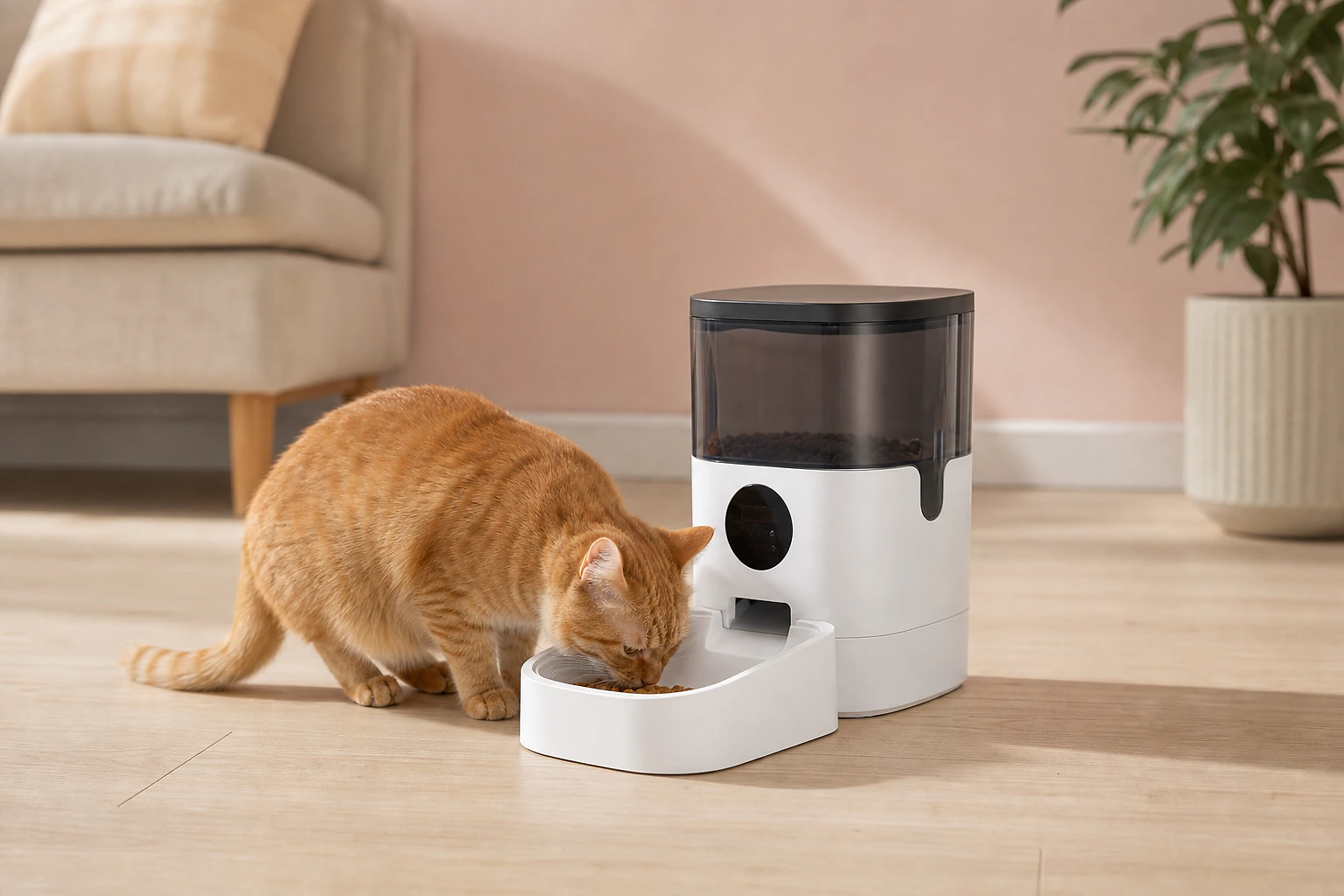
For buyers building an everyday automated-care category
Smart Feeding and Hydration
Start with automatic feeding and water-access formats, then compare the two catalogue families separately.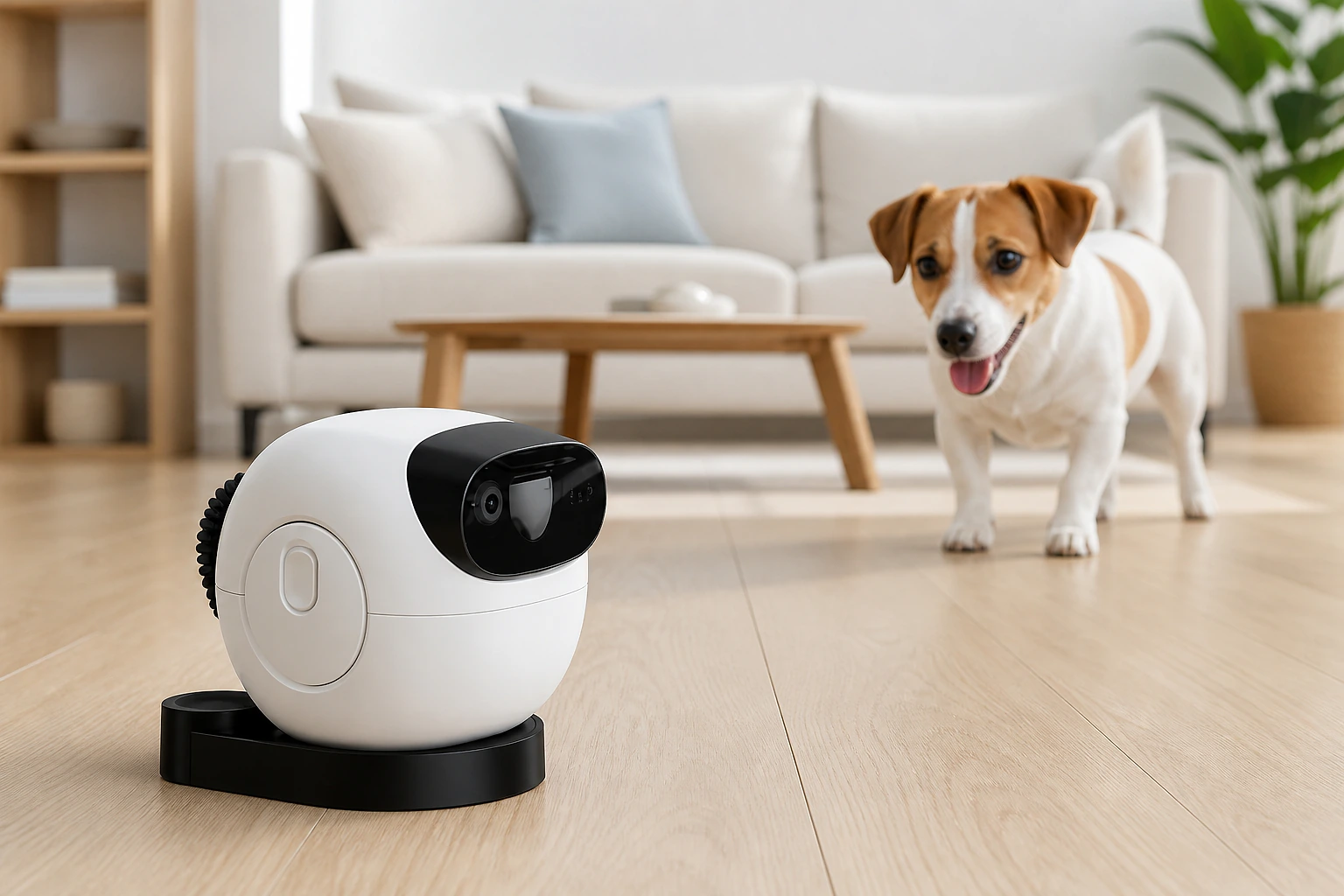
For pet-tech brands and differentiated retail concepts
Remote Monitoring and Interaction
Compare treat-dispensing interaction with movable monitoring as two distinct remote-care formats.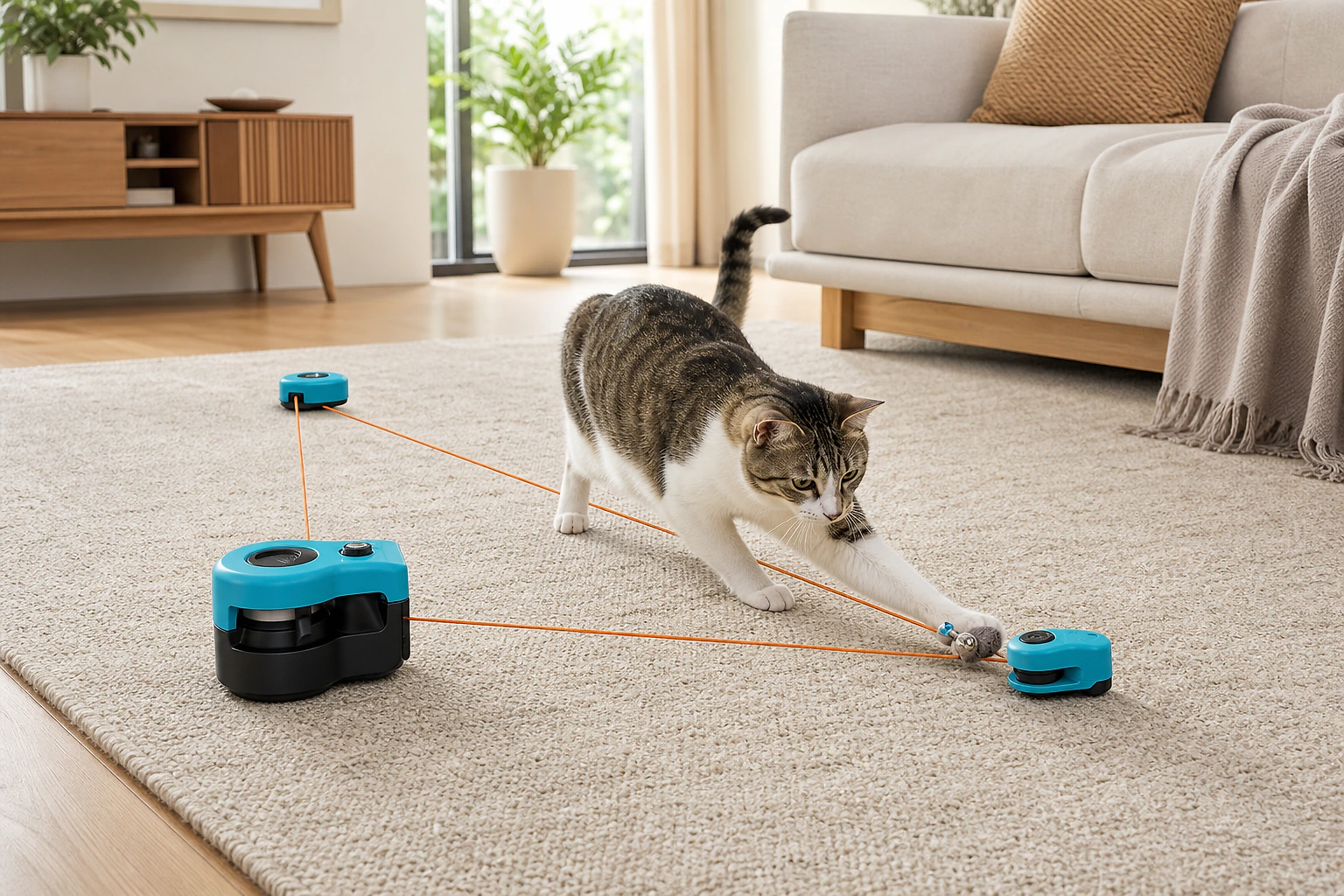
For cat-focused retailers and feeding-accessory programs
Play and Feeding Enrichment
Compare interactive cat play with silicone feeding enrichment without turning the range into a general pet catalogue.Route FAQ
Smart Pet Product Buyer Route FAQ
Where should I compare LISO smart pet product families?
Use the product pillar to compare the complete catalogue families, then continue to the relevant family page for model-level information.
When should a buyer open the OEM and ODM page?
Open the OEM and ODM page when the decision concerns cooperation responsibilities, project scope, or what must be confirmed before production—not when you only need to compare catalogue families.
Where are LISO factory facts and production photographs explained?
The factory page owns the company-provided facility facts, production context, photographs, and the explanation of what those facts do and do not prove.
Does this buyer-route page confirm specifications or commercial terms?
No. Specifications belong to the relevant product and model pages. Samples, quantity, price, packaging, timing, documentation, and final product details require an item-specific inquiry.
What should I prepare before requesting a quotation?
Prepare the destination market, sales channel, relevant product families or item numbers, expected quantity, packaging direction, and required documentation.
Continue to the Correct Product or Cooperation Page
If you already know the product family or item numbers, continue to the inquiry page and provide the destination market, channel, expected quantity, packaging direction, and required documentation.